
Applying color to HTTP History table rows
To highlight requests in HTTP History right-click the row for the request you want to highlight. In the context menu, open Highlight and choose a color.
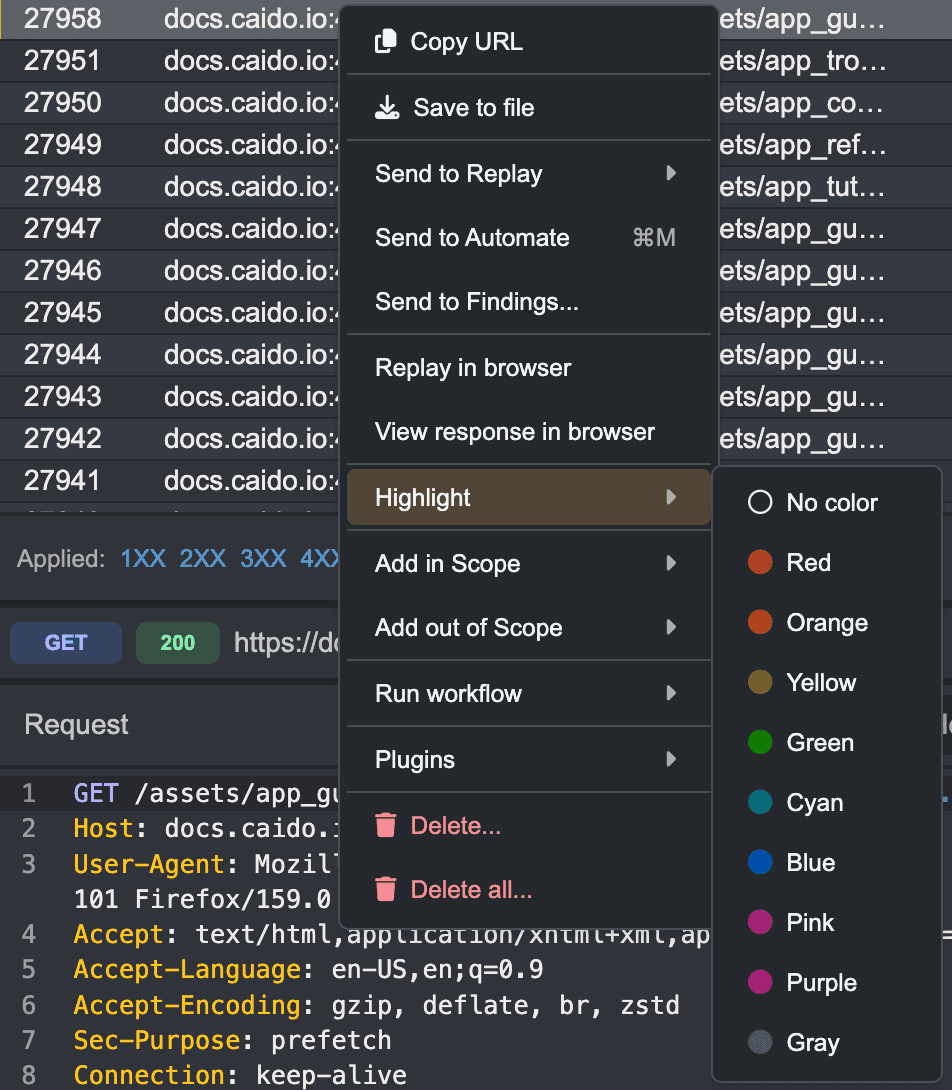
The request row now appears in the selected color.

To highlight requests in HTTP History right-click the row for the request you want to highlight. In the context menu, open Highlight and choose a color.
The request row now appears in the selected color.