Sending HTTP Requests to Replay
Video Demonstration
You can send HTTP requests from other interfaces to the Replay interface in various ways:
- By right-clicking on a request row in a traffic table or within a request pane, hovering your mouse cursor over
Send to Replay, and selecting the Collection to include it in.
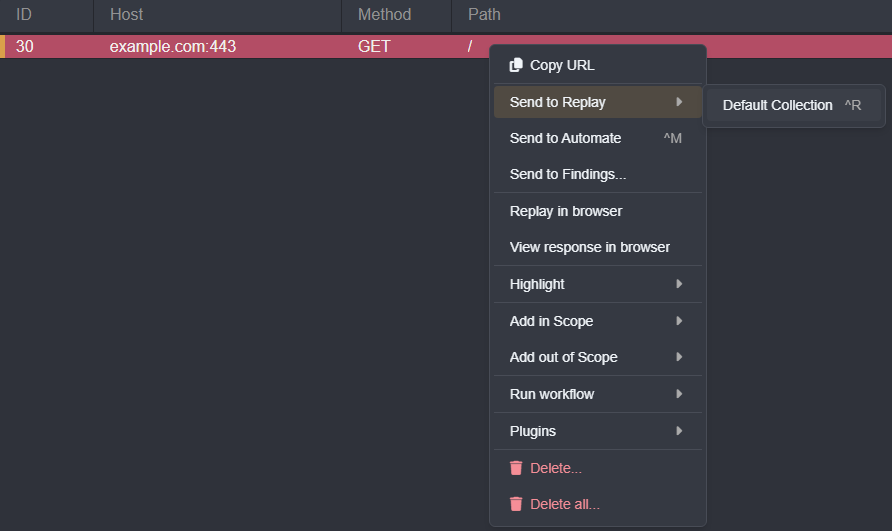
- Or by selecting a request row or focusing a request pane and using the default keyboard shortcut
CTRL+R.
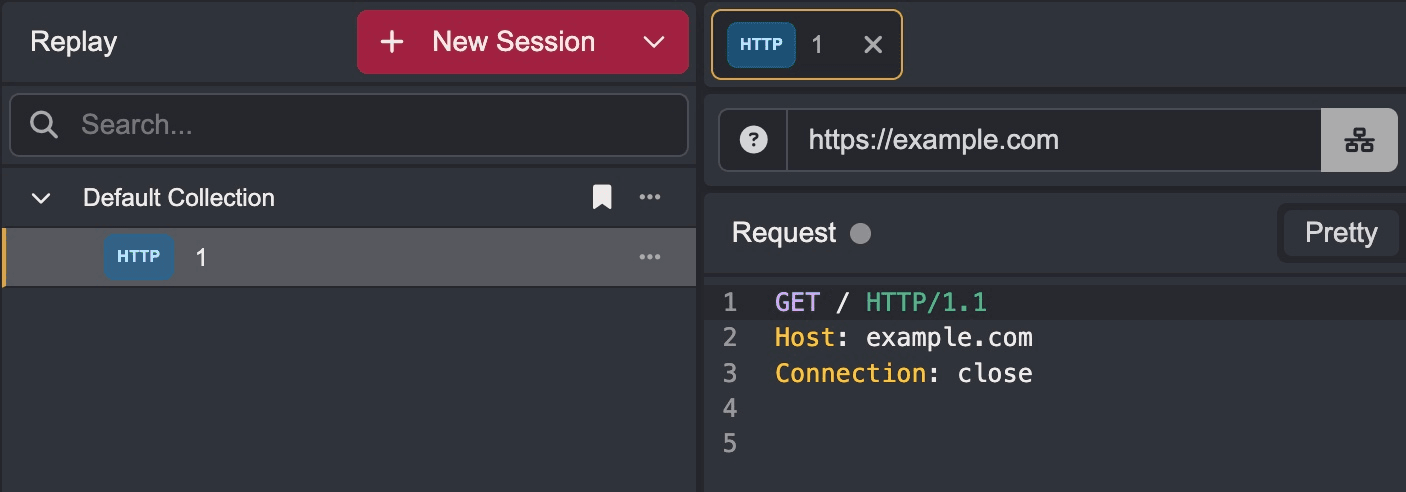
Requests in the Replay interface are referred to as "sessions". Each session is listed as a tab that stores the associated request.
Replay sessions can also be created manually by clicking on the + New Session button and entering a connection URL.