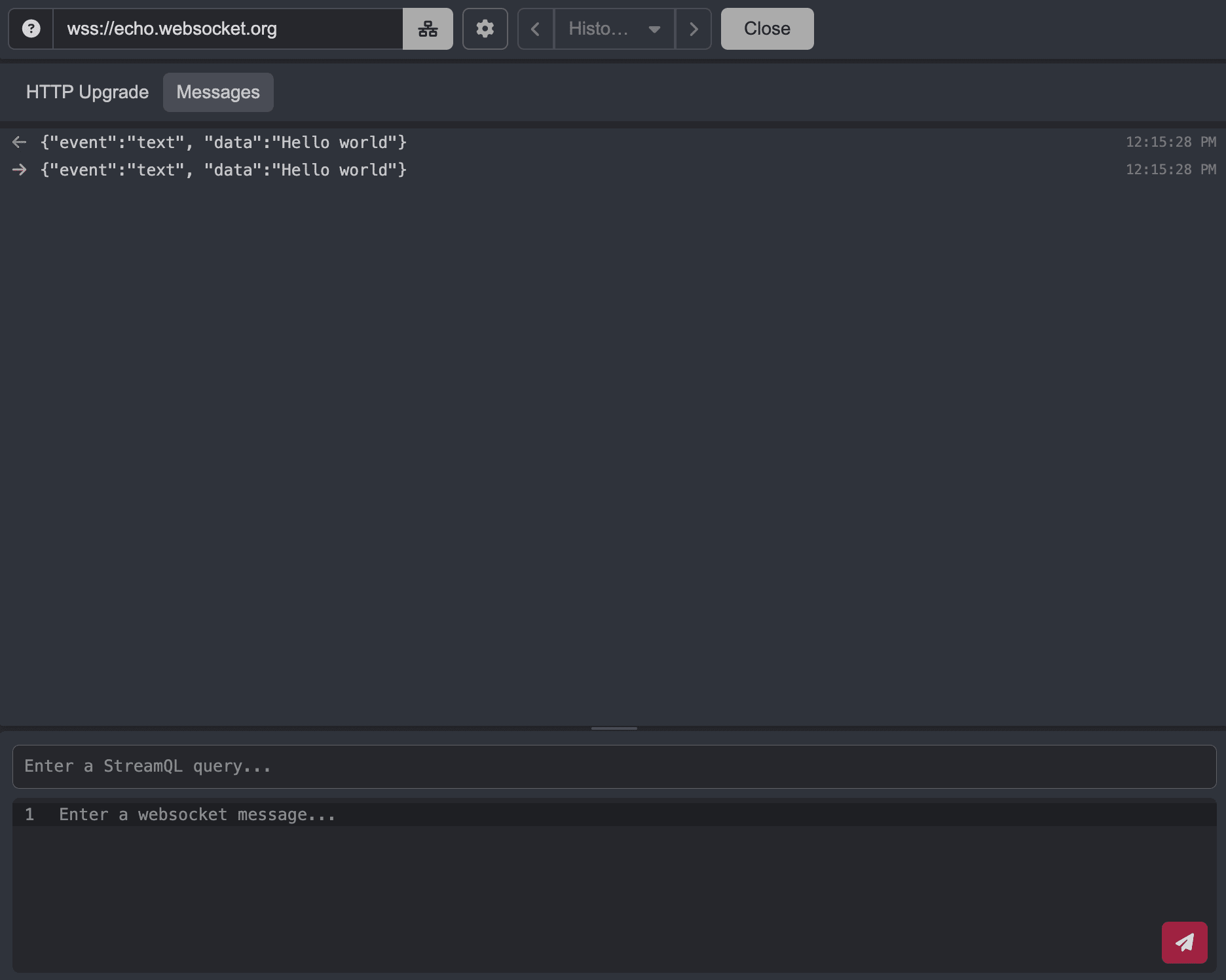
Sending WebSocket Messages
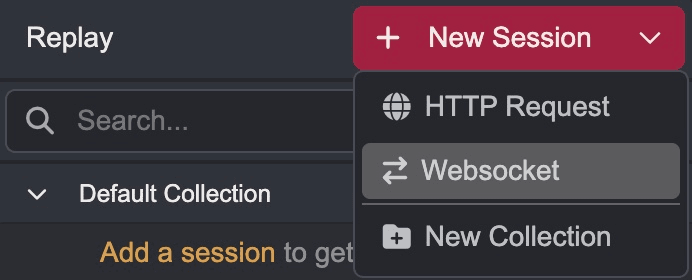
To send a WebSocket message in Replay, click on the attached to the + New Session button and select WebSocket.
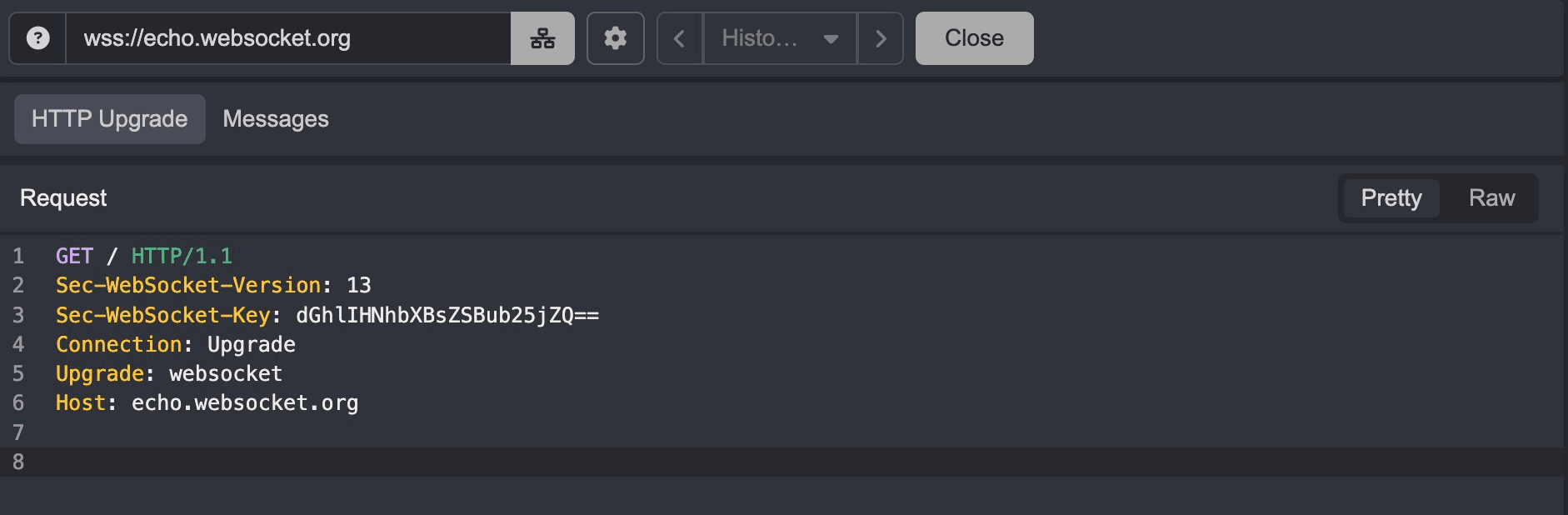
Enter a connection URL and click on the Connect button to create a new WebSocket session. This will send the HTTP upgrade request to the server and establish a WebSocket connection.
Once the connection is established, you can send messages to the server by entering text in the input field and clicking the button.