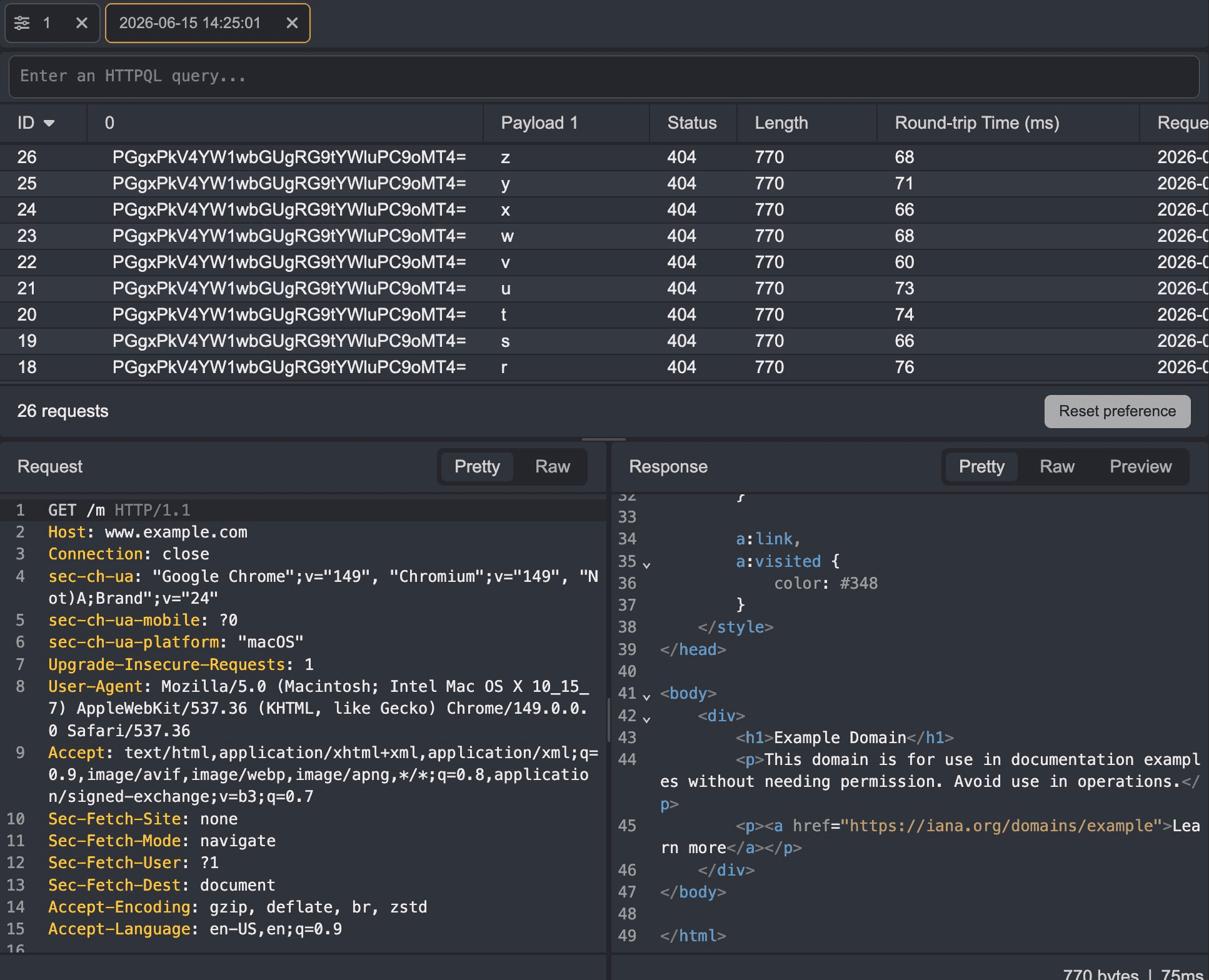
Customizing Result Columns with Extractors
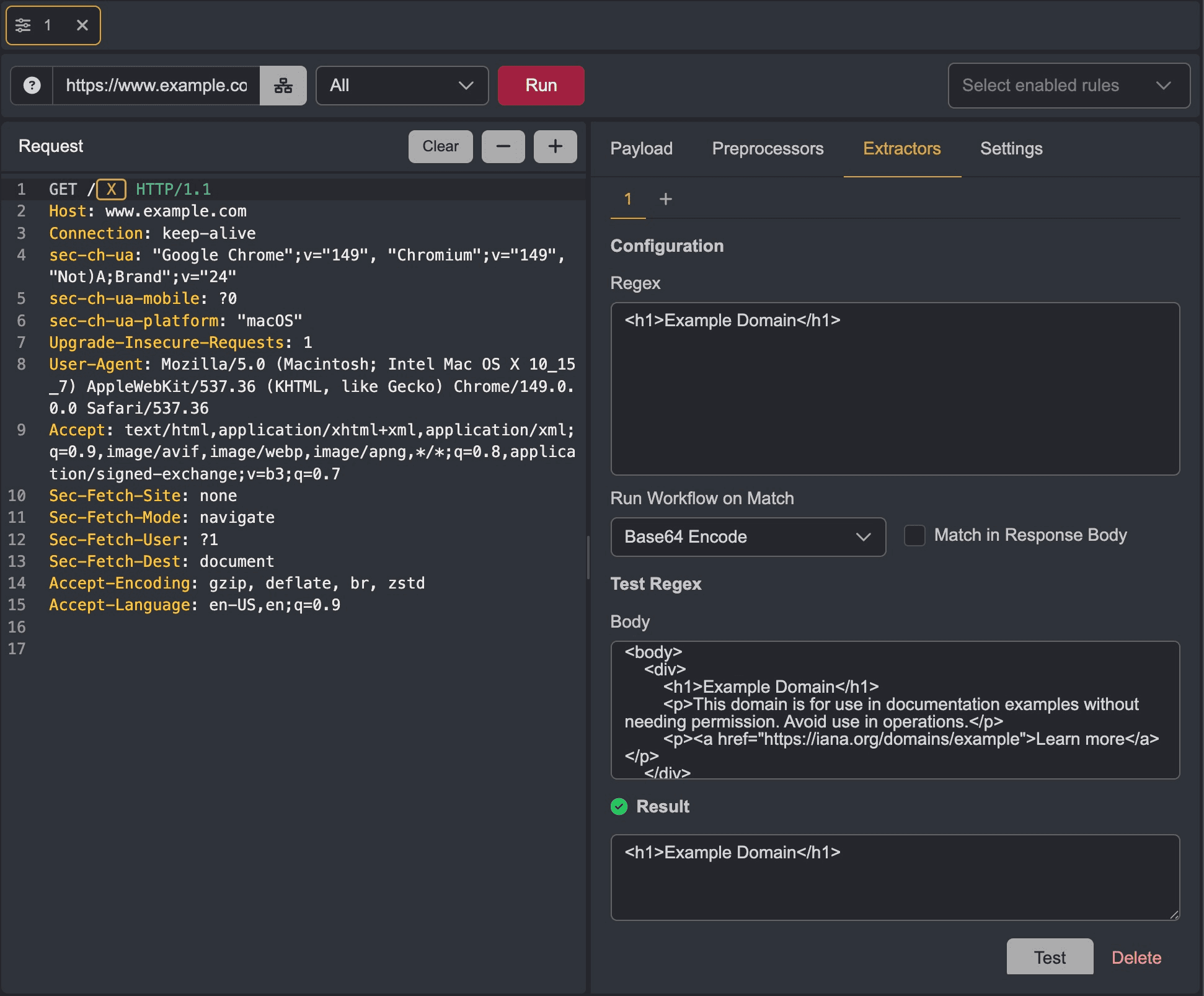
The Extractors tab of an Automate session allows you to create custom columns in a session's result table. Values for these columns are determined based on whether or not a matching condition is met in the responses to the requests.
To configure an extractor, define the matcher in the Regex input field.
Workflows can be applied to matched data that will be presented as the value of a custom column.
To test the matcher, input test data into the Body input field and click on the Test button. Successful matches will reflect the data in the Result field.
Once an extractor has been configured, it will be applied to the session and the custom will be presented in the result table.