
Using the Command Palette
The Command Palette allows you to quickly find and run commands within Caido.
Opening the Command Palette
Press Ctrl + K on Windows/Linux or ⌘ + K on macOS to open the Command Palette.
Running a Command
- Type the name of the command you want to run in the search field. For example, type
Replayto findGo to Replay. - Click on the command to run it.
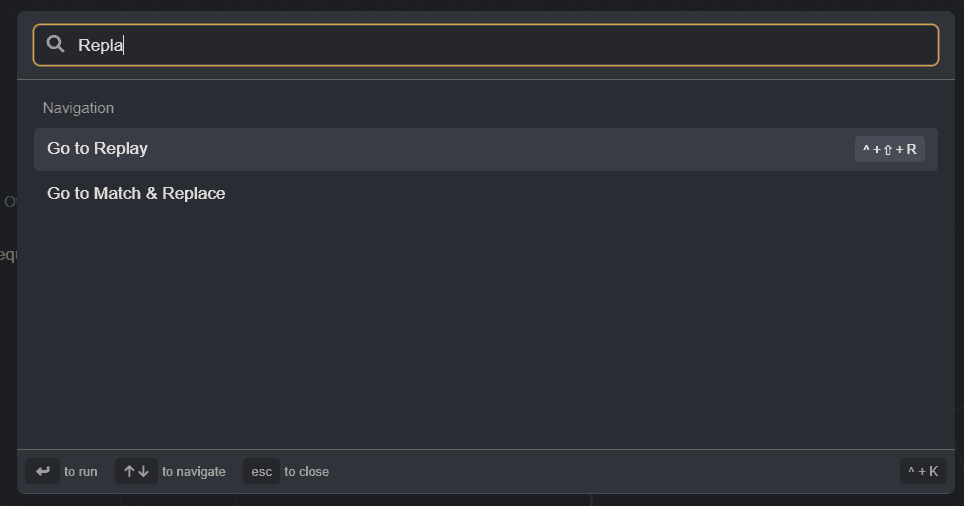
For a list of available commands, view Command Palette Options.
TIP
Additional commands may be available depending on the plugins you have installed.