
Drop
The Drop plugin gives you the ability to share project data, over an end-to-end encrypted channel, with other Caido users, including:
INFO
Support for sharing workflows, files, findings, and HTTPQL query statements is planned for upcoming releases.
In this tutorial you will learn how to collaborate with other Caido users as well as how to self-host the plugin's backend server.
INFO
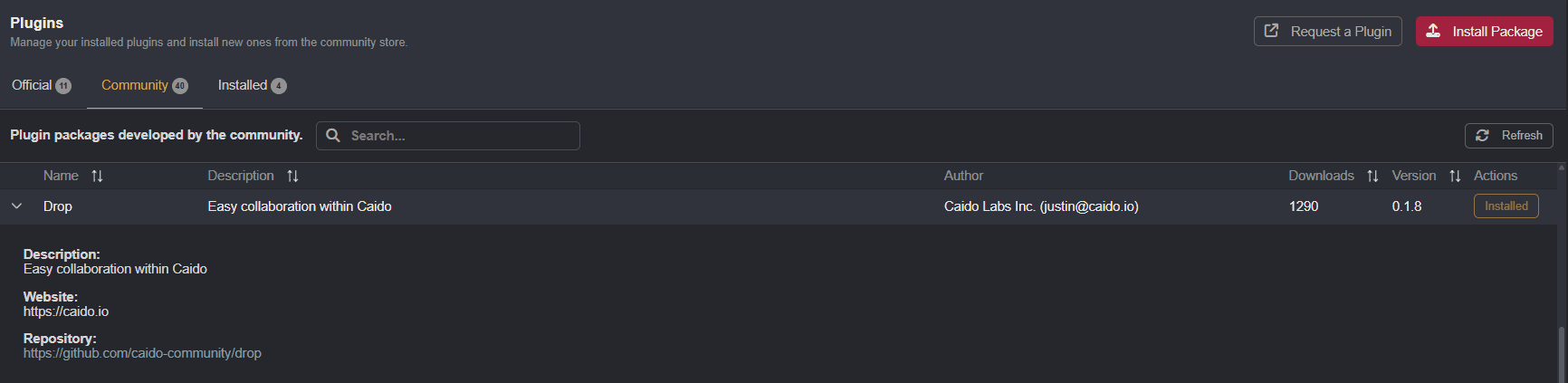
Drop is available for installation in the Community tab of the Plugin interface.
Collaboration
To ensure data is shared securely, Drop users are identified by Share Codes that are associated with their Pretty Good Privacy (PGP) public encryption key.
To collaborate with another Caido user, paste their Share Code in the input field in the Friends section of the Settings tab. Or, send your code to them to do the same.
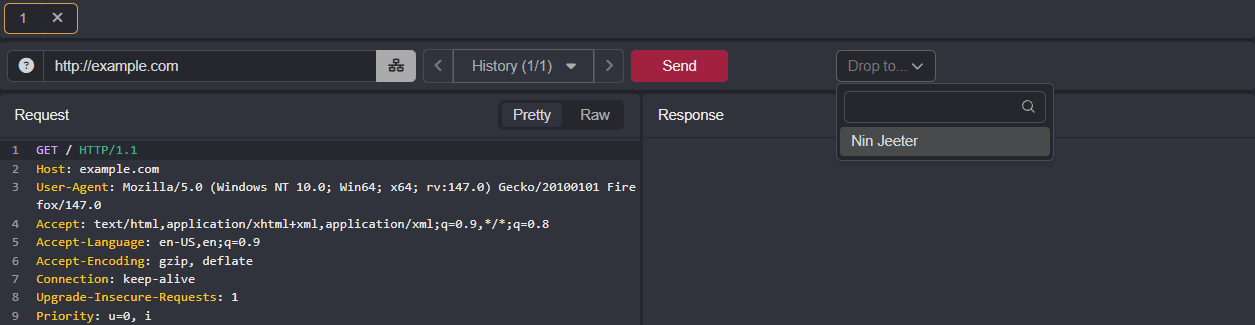
Once a user has been added to your friends list, data can be sent to them via messages by selecting their alias from the Drop to... drop-down menu that is available in certain Caido interfaces.
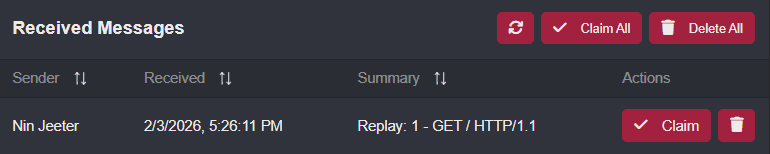
To accept a message from another user, click on Claim button in either the notification banner or the Received Messages tab of the Drop interface.

NOTE
Drop is not a storage mechanism, as all messages will be stored on the server for a maximum of 7 days. Due to this temporary lifespan, all messages should be assumed to be ephemeral.
Self-Hosting
As Drop requires a centralized server, Caido provides the default message broker service at drop.cai.do. All messages sent via Drop are encrypted using the public key of the recipient before they reach the server.
However, for users with privacy concerns or organizations that must be in compliance with regulations, it is possible to host your own Drop API server.