
Creating a Team
Teams allow you to invite members to a group to collaborate on instances associated with an account workspace. Access management, license assignment, and permission controls for teams are configured via the Caido Dashboard.
To permit workspace access, click on the + Create a Team button in the Home page.

Name the team, enter the email address of the team owner that will act as the initial administrative user, and click on the Next button.
Inviting Team Members
Each team member can be assigned one of two roles:
- Admin: Has full control over a team including its members, billing information, access tokens, and settings.
- Member: Has access to team instances and workspaces. Can also create access tokens.
To add a team member, enter their email address, select a permission level from the Role drop-down menu, and click on the Add Member button.
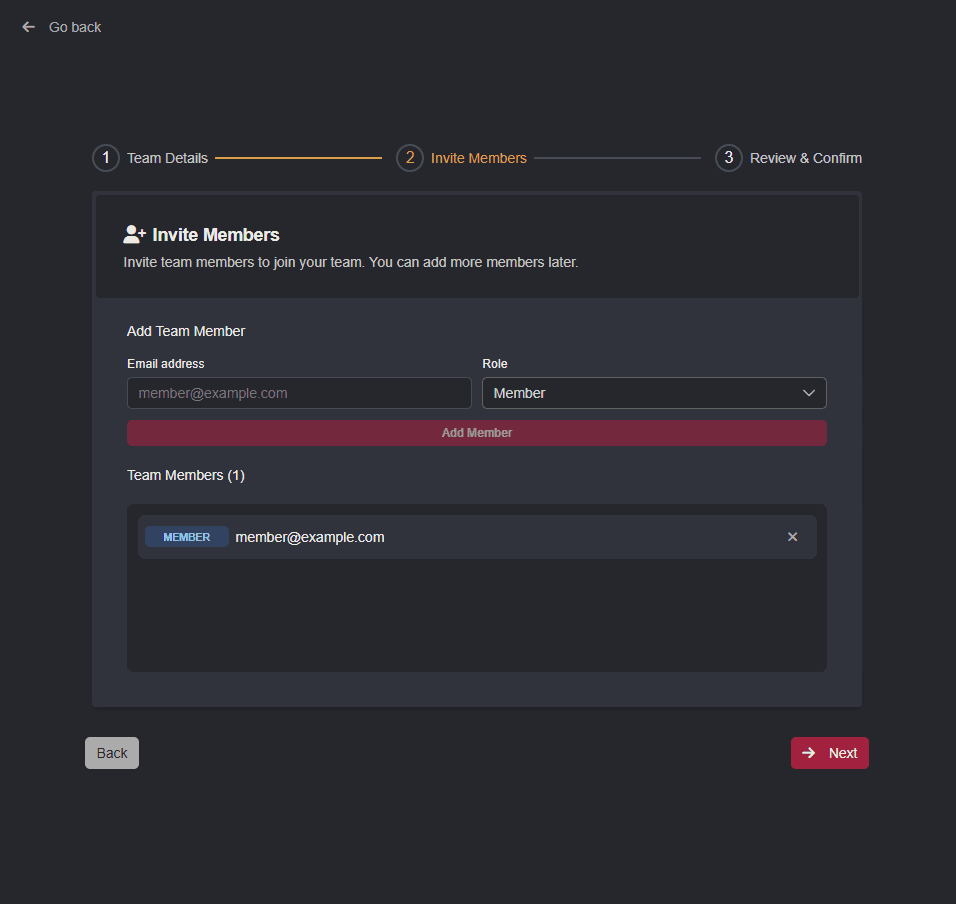
Once members have been added, clicking the Next button allows you to review and confirm the team settings. To edit any details, click on the Back button.
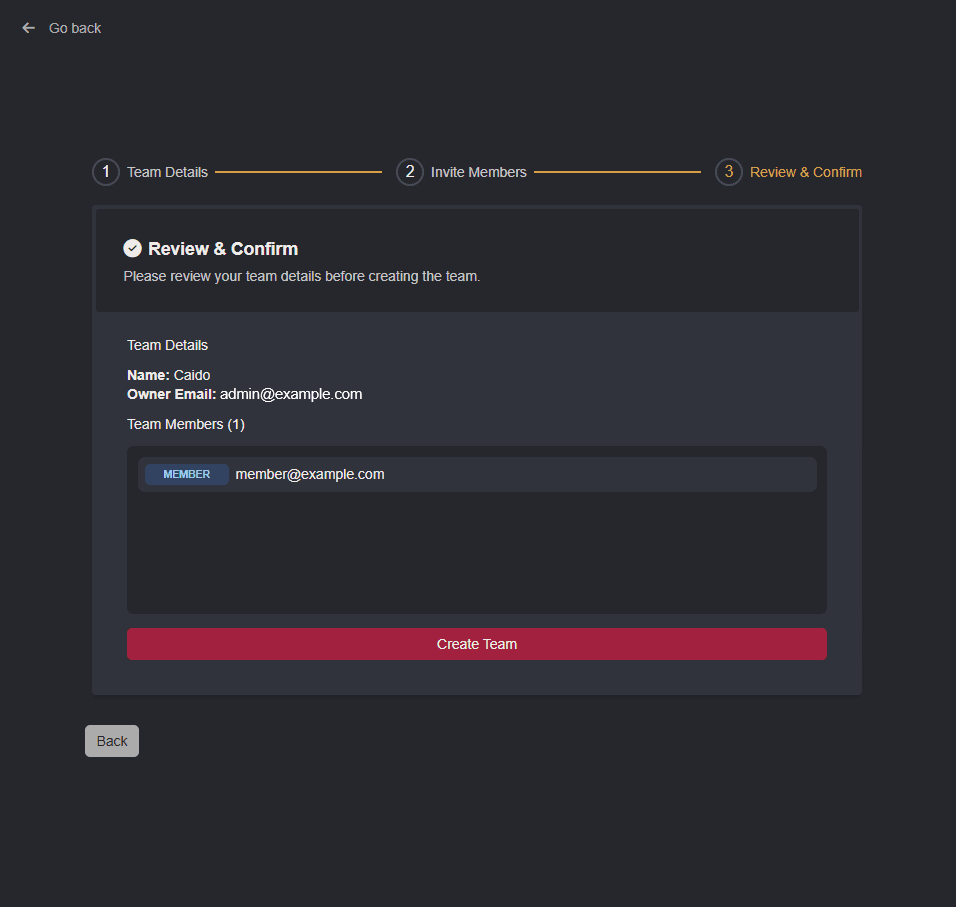
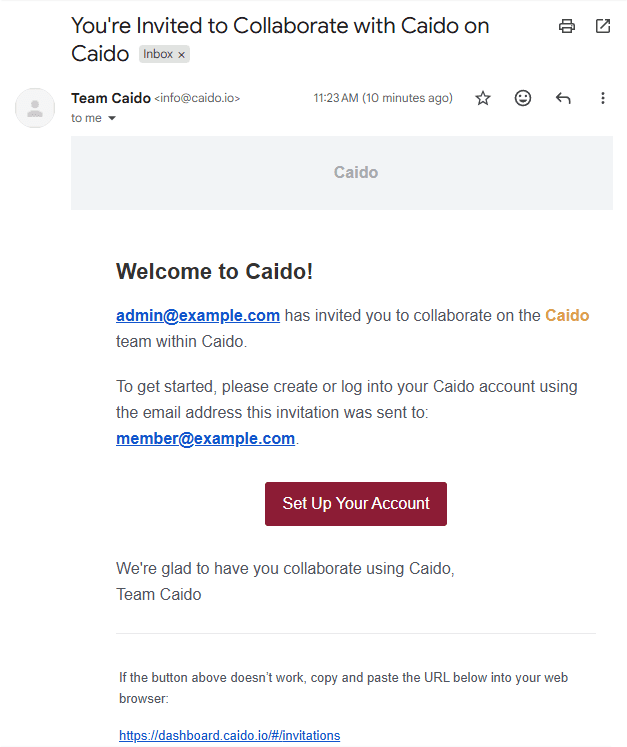
Clicking on the Create Team button will issue invitation emails to all of the listed members.
Managing Team Members
Once a team is created, members can be managed from the Users page of the Caido Dashboard.