Licensing
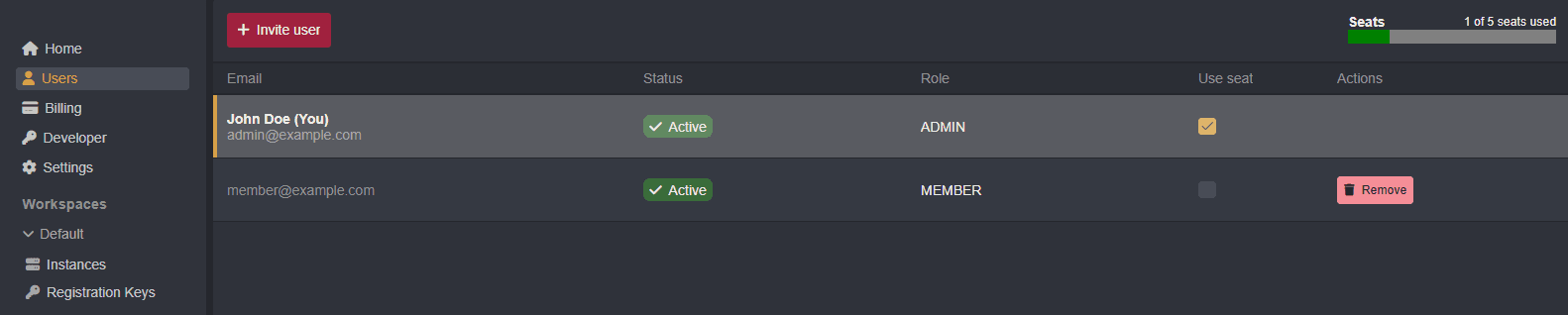
In order for team members to access workspace instances, each member must claim a "seat" of your Team or Enterprise tier subscription.
Billing
To upgrade your account subscription, click on the Upgrade button in the Active Plan section of the Home tab interface.

INFO
Caido uses Paddle for payment processing.
Team tier accounts include a maximum of 50 seats. To select the number of seats for your team, click on the arrow buttons to increase or decrease the total seat count at checkout.

NOTE
If your organization needs additional seats, purchase orders, security questionnaires, custom terms, or custom integrations contact sales to obtain an Enterprise tier account.
Assigning Seats
Once an account holds an active Team or Enterprise tier subscription, seats can be assigned to members with an Active status by clicking the Use seat checkbox of a team member's row in the Users page.