
Personal Access Token
A Personal Access Token (PAT) is a long-lived credential that allows you to authenticate with a Caido instance without going through the browser-based consent flow described in Authentication. This makes PATs the primary authentication method for headless environments, CI/CD pipelines, and any automated interaction with the Caido Cloud API.
All Caido PATs use the caido_ prefix, making them easy to identify and manage across your systems.
INFO
Each PAT is tied to the user who created it and acts with the same level of permissions as that user.
How It Works
When you log into a Caido instance through the browser or desktop application, a Device Authorization flow takes place. You are redirected to the Dashboard to manually approve a consent form. A PAT replaces that manual approval step, making the entire authentication process automated.
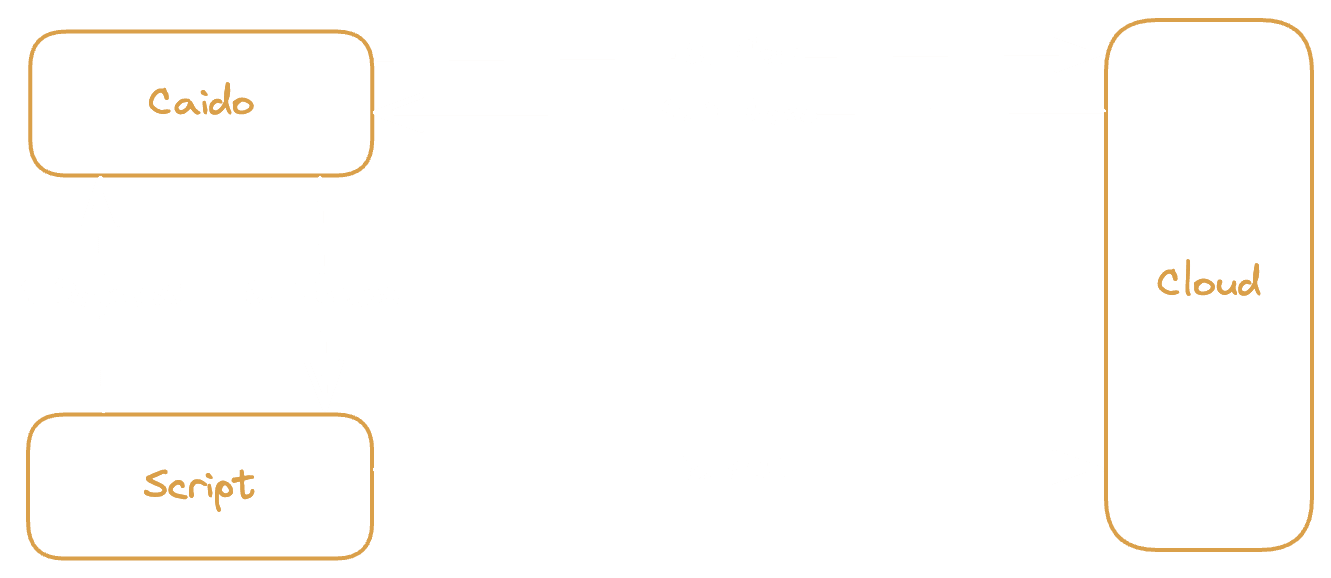
- The Script sends a login request to the Caido instance.
- The instance initiates a Device Authorization Flow with the Cloud.
- The Script presents the PAT to the Cloud, which validates it and automatically approves the authorization.
- The Cloud returns Tokens (an access token and a refresh token) to the instance.
- The instance passes the Tokens back to the Script.
From this point forward, the session behaves identically to a browser-based login. The access token authenticates subsequent API calls and the refresh token is used to renew it when it expires.
Resource Ownership
A PAT can be created to access resources under your own account or under a specific Team. When you create a PAT for a Team, it operates within that Team's Workspace and can access the Team's instances, members, and subscription resources. A PAT created for yourself can only access your personal resources.
INFO
Team admins can view PATs created for their Team, but only the creator of a PAT can revoke it.
Security Considerations
- Always set an expiration date when creating a PAT. Open-ended tokens increase your risk exposure if they are leaked.
- Treat PATs like passwords. Store them in environment variables or a secret management system. Never commit them to source code.
- Revoke PATs you no longer need. You can manage your tokens from the Developer section of the Dashboard.